
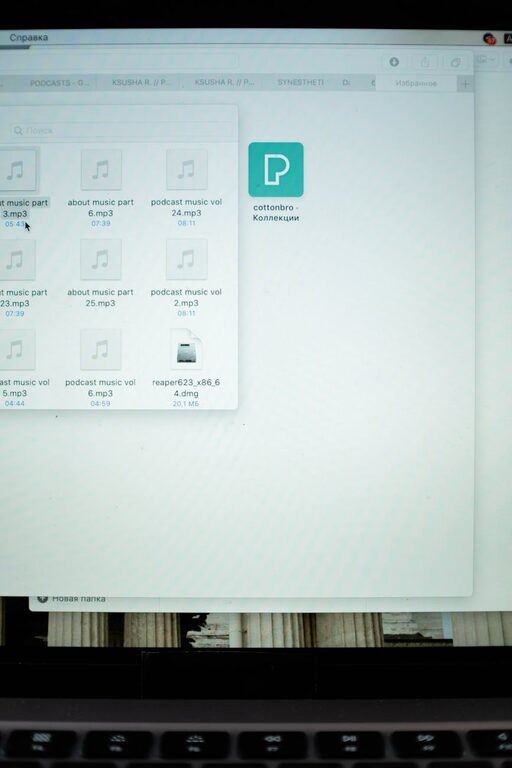
Keeping your computer files organized is essential to maintaining productivity and reducing stress. Whether you use your computer for work, school, or personal projects, a well-structured file system helps you find what you need quickly and keeps your digital workspace clutter-free. In this post, we’ll explore practical tips to organize your files efficiently.
Why Organizing Files Matters
A chaotic file system can slow you down and make important documents difficult to find. An organized computer allows you to:
– Save time searching for files
– Reduce duplicate or unnecessary files
– Maintain backups more easily
– Work more efficiently and focus better
Now that you understand the benefits, let’s dive into actionable steps you can take.
1. Create a Logical Folder Structure
Start with setting up folders that reflect your needs. Organize your files into categories that make sense to you.
Tips for Folder Organization:
– Use broad categories first, like Work, Personal, or School.
– Within these, create subfolders for projects, clients, or subjects.
– Avoid too many nested folders; keep it balanced for easy navigation.
Example folder hierarchy:
“`
Work
├── Reports
├── Presentations
└── Clients
├── Client A
└── Client B
Personal
├── Photos
├── Finance
└── Travel
“`
2. Use Clear, Descriptive File Names
File names should give you a clear idea of the content without opening them.
Naming tips:
– Include dates in the format YYYY-MM-DD for chronological order.
– Use keywords that describe the file’s content.
– Avoid spaces and special characters; use underscores or hyphens instead.
Example: `2024-06_Quarterly_Report_ClientA.pdf`
3. Regularly Declutter and Delete Unneeded Files
Schedule time to review and clean your files. Remove duplicates, outdated drafts, or files you no longer need to keep your drive from becoming cluttered.
How to approach decluttering:
– Set a monthly or quarterly reminder.
– Use built-in tools like disk cleanup.
– Archive older files you rarely use but want to keep.
4. Leverage Cloud Storage for Backup and Access
Cloud services like Google Drive, Dropbox, or OneDrive help you back up important files and access them from any device.
Benefits:
– Automatic syncing and version control.
– Easy sharing with others.
– Additional storage without filling your hard drive.
Just make sure to organize your cloud folders with the same system you use locally for consistency.
5. Use Tags and Metadata (If Supported)
Some operating systems allow you to tag files with keywords or colors, making it easier to find related files across folders.
How to use tags:
– Tag files by priority or status (e.g., “To Review”, “Completed”).
– Use tags for cross-referencing projects.
– Combine tags with search to quickly filter files.
6. Utilize Search and Indexing Features
Modern computers have powerful search features. To get the best results:
– Keep your files organized and well-named.
– Make sure file indexing is enabled in your operating system settings.
– Use search filters like date, file type, or tags to narrow results.
7. Automate Organization with Tools and Scripts
Consider using software tools to automate file sorting:
– Rules in email clients to save attachments automatically.
– Apps like Hazel (Mac) or File Juggler (Windows) can sort files based on rules.
– Simple scripts can rename or move files in batches.
Automation saves time and helps maintain order effortlessly.
8. Backup Regularly and Safely
No organization is complete without a reliable backup. Losing files due to hardware failure or accidents can be painful.
Backup tips:
– Use external drives or cloud backups.
– Follow the 3-2-1 backup rule: 3 copies of your data, 2 different media, 1 offsite.
– Test your backups occasionally.
Conclusion
Organizing your computer files doesn’t have to be overwhelming. By creating a clear folder structure, naming files descriptively, decluttering regularly, and leveraging modern tools, you can transform your digital workspace into a streamlined, productive environment. Set aside a little time each week or month to maintain your system — your future self will thank you!